 Kitebox Labs
Export any table on a web page to CSV
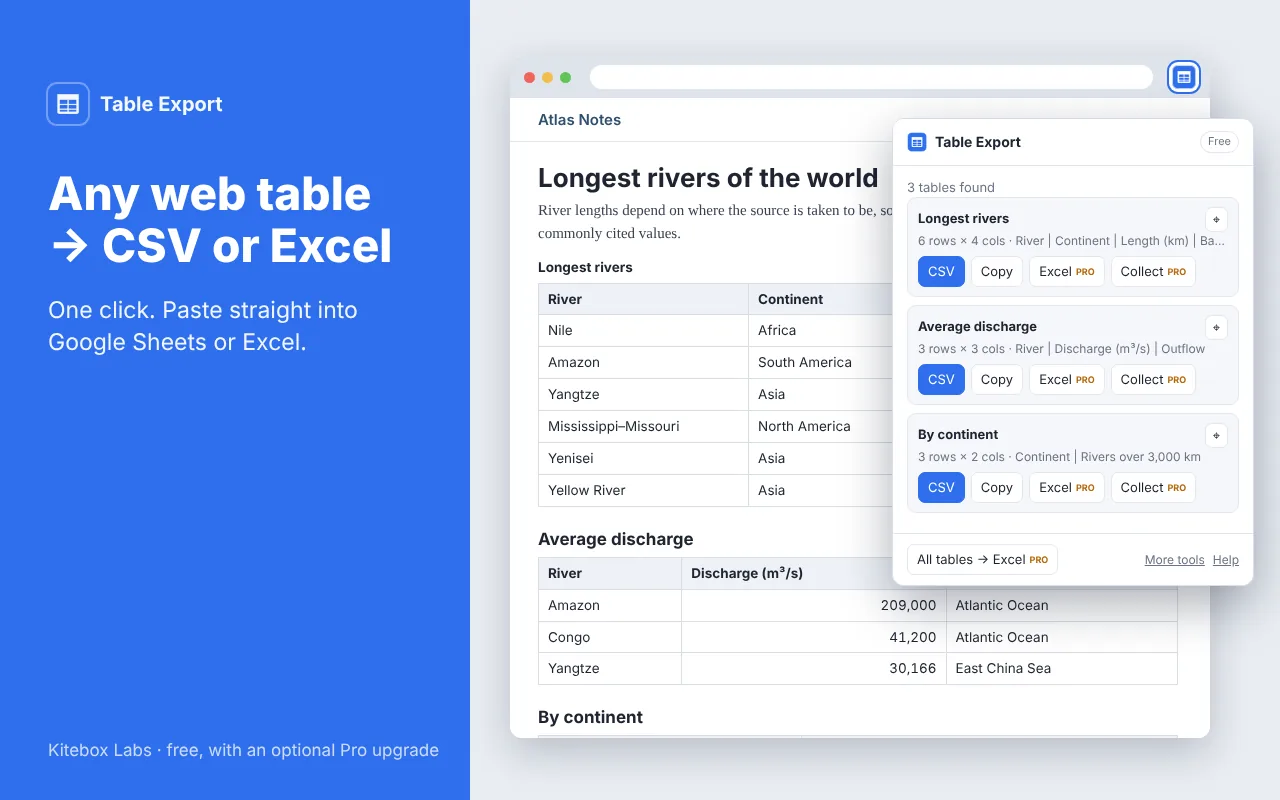
Table Export finds the data tables on the page you are looking at. Each one can be saved as a CSV file or copied, ready to paste into Google Sheets or Excel with every value in its own cell.
How to use it
- Open a page with a table: a Wikipedia article, a price list, sports statistics, a report.
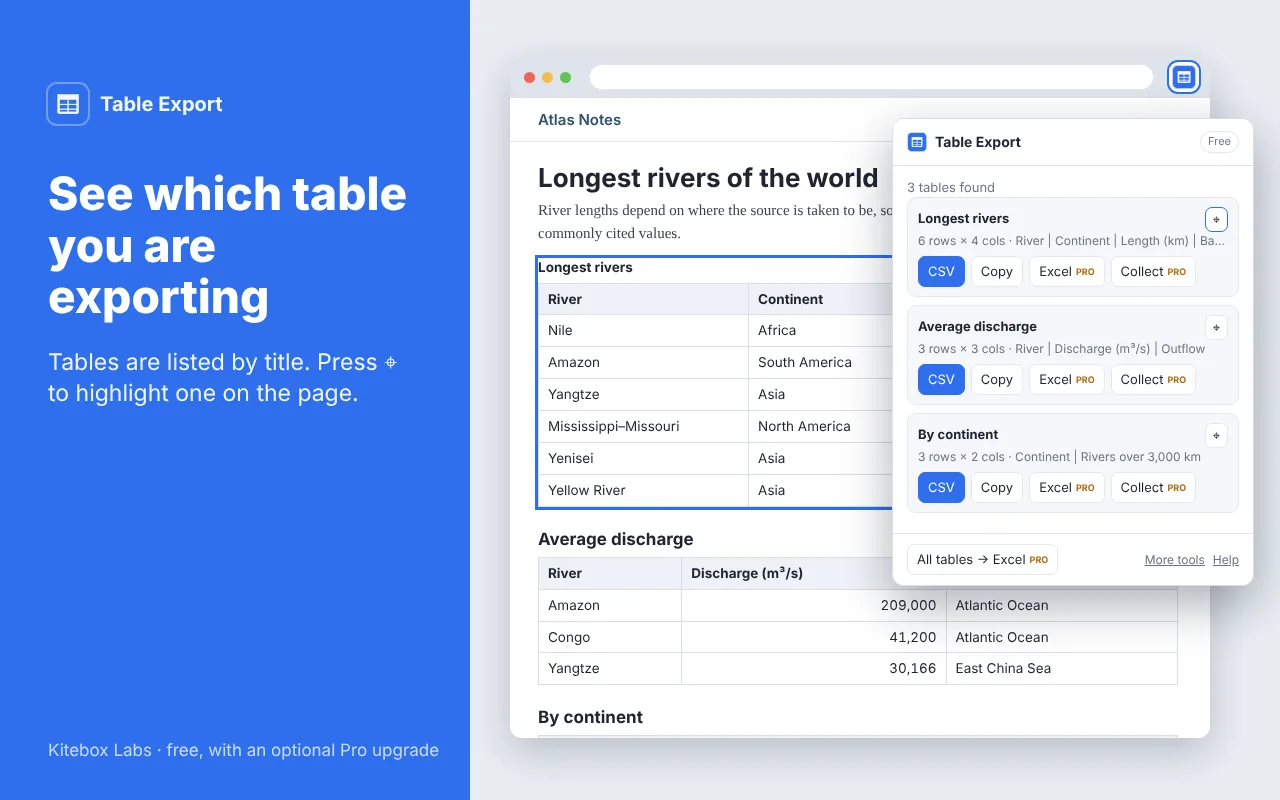
- Click the Table Export icon. Every data table on the page is listed by its title.
- Press CSV to download the table, or Copy and then paste it into your spreadsheet.
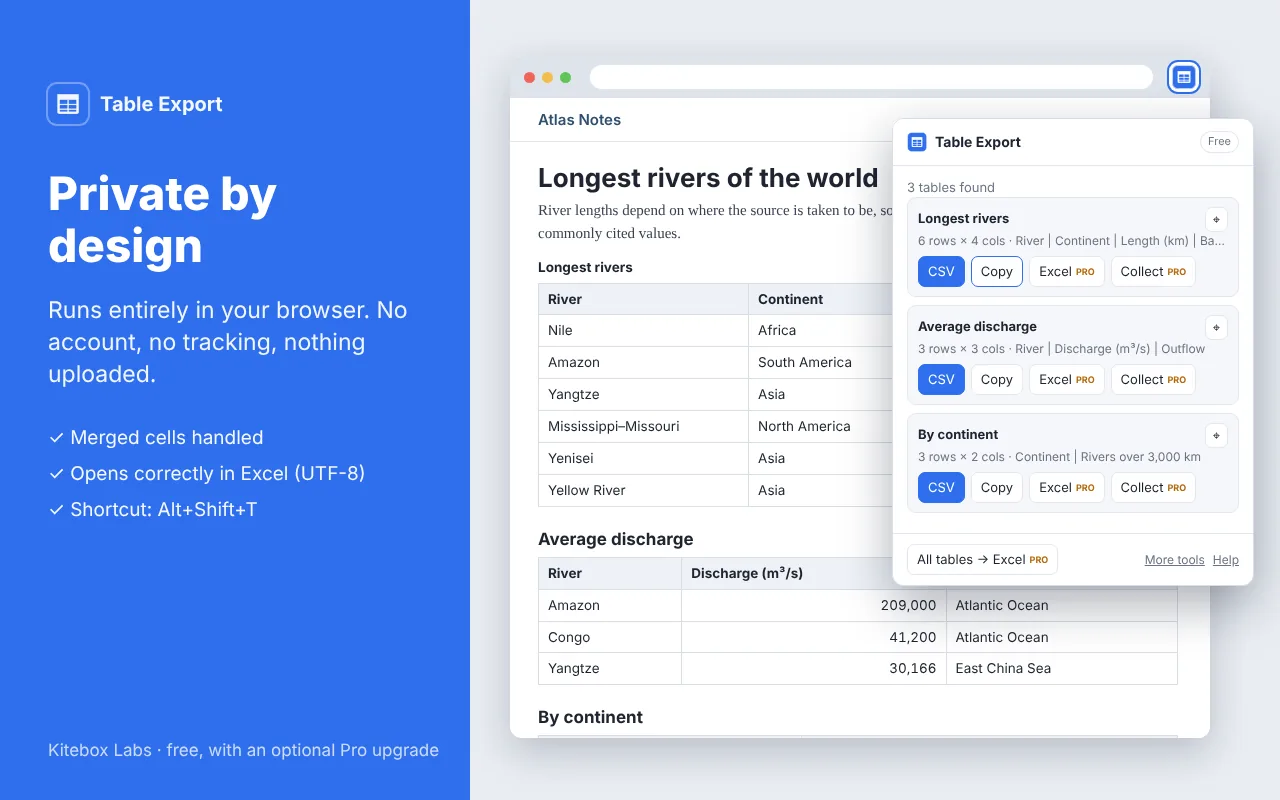
Keyboard shortcut: Alt+Shift+T opens the extension.
Free
- Finds every real data table and skips tables used only for page layout
- CSV that opens correctly in Excel, including accents and non-Latin alphabets
- Copy to the clipboard and paste into Google Sheets or Excel
- Merged cells are filled in, so every row has the same columns
- Highlight a table on the page before you export it
Pro, a one-time US$9 (coming soon)
- Excel files (.xlsx) with bold headers and numbers stored as numbers
- All tables on a page in one workbook, one sheet per table
- Collect a table that continues over several pages into one file
Free features stay free. About Pro
Questions
- How do I copy a table from a website into Excel or Google Sheets?
- Open the page, click the Table Export icon and press Copy next to the table you want. Then click a cell in your spreadsheet and paste. Rows and columns arrive exactly as on the page.
- The table has merged cells. Will the columns still line up?
- Yes. A cell that spans several rows or columns is repeated in each position it covers, so the exported table is a clean grid.
- Why does it say that no tables were found?
- Some sites draw their tables without real table elements, and some show them inside an embedded frame. Those cannot be read yet. If a table you need is not found, send us the page address and we will look at it.
- How are numbers handled in the Excel export?
- Numbers are stored as numbers, so sums and sorting work. The extension reads 1,200.50 on English pages and 1.200,50 on pages in languages that use a decimal comma. Values with leading zeros, such as postcodes and part numbers, stay as text so that nothing is lost.
- Is my data sent anywhere?
- No. The page is read inside your browser, and only when you click the icon. There is no account, no analytics and no upload.