 Kitebox Labs
Save an AI chat as Markdown
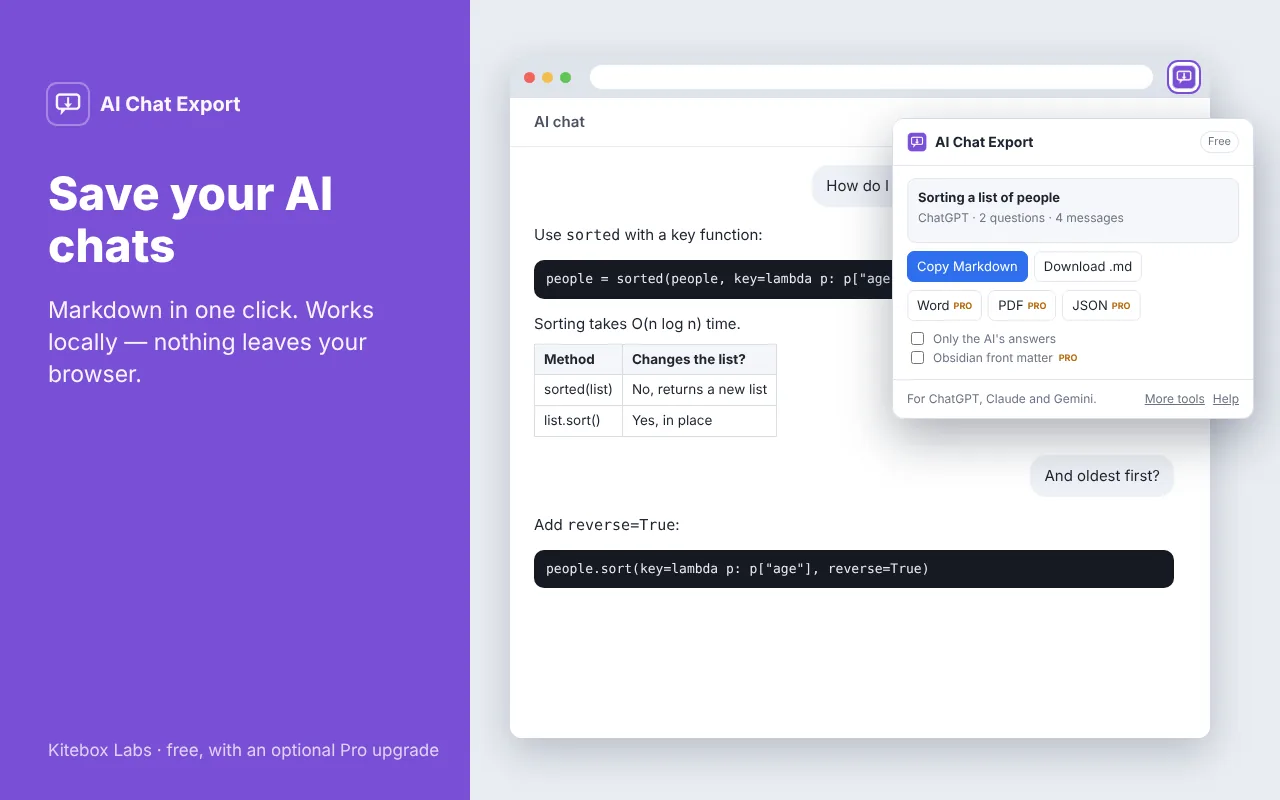
AI Chat Export reads the conversation that is open in your tab and turns it into one tidy Markdown document. It works on the ChatGPT, Claude and Gemini websites, and your chats never leave your browser.
Add to FirefoxChrome and Edge: coming soon
How to use it
- Open a conversation on the ChatGPT, Claude or Gemini website.
- Click the AI Chat Export icon.
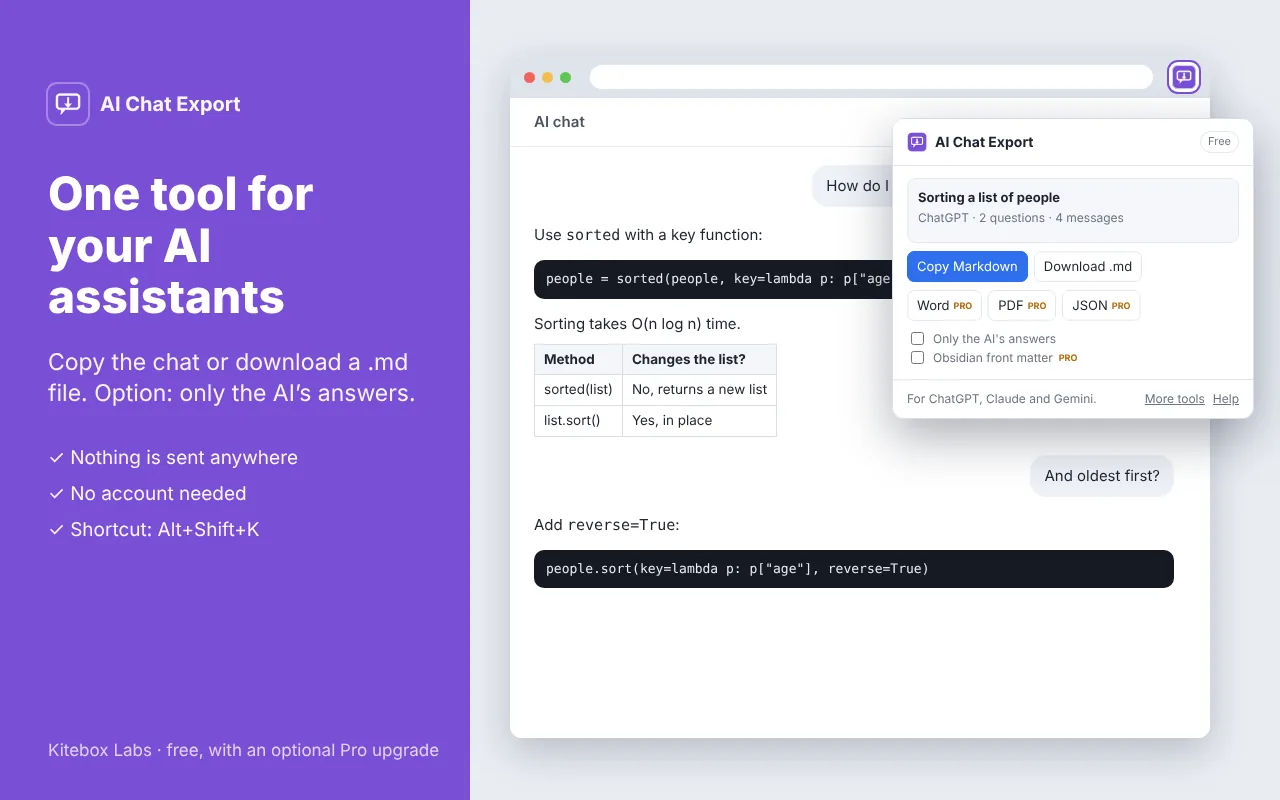
- Press Copy Markdown, or download the .md file.
Keyboard shortcut: Alt+Shift+K opens the extension.
Free
- The whole conversation as Markdown, copied or downloaded
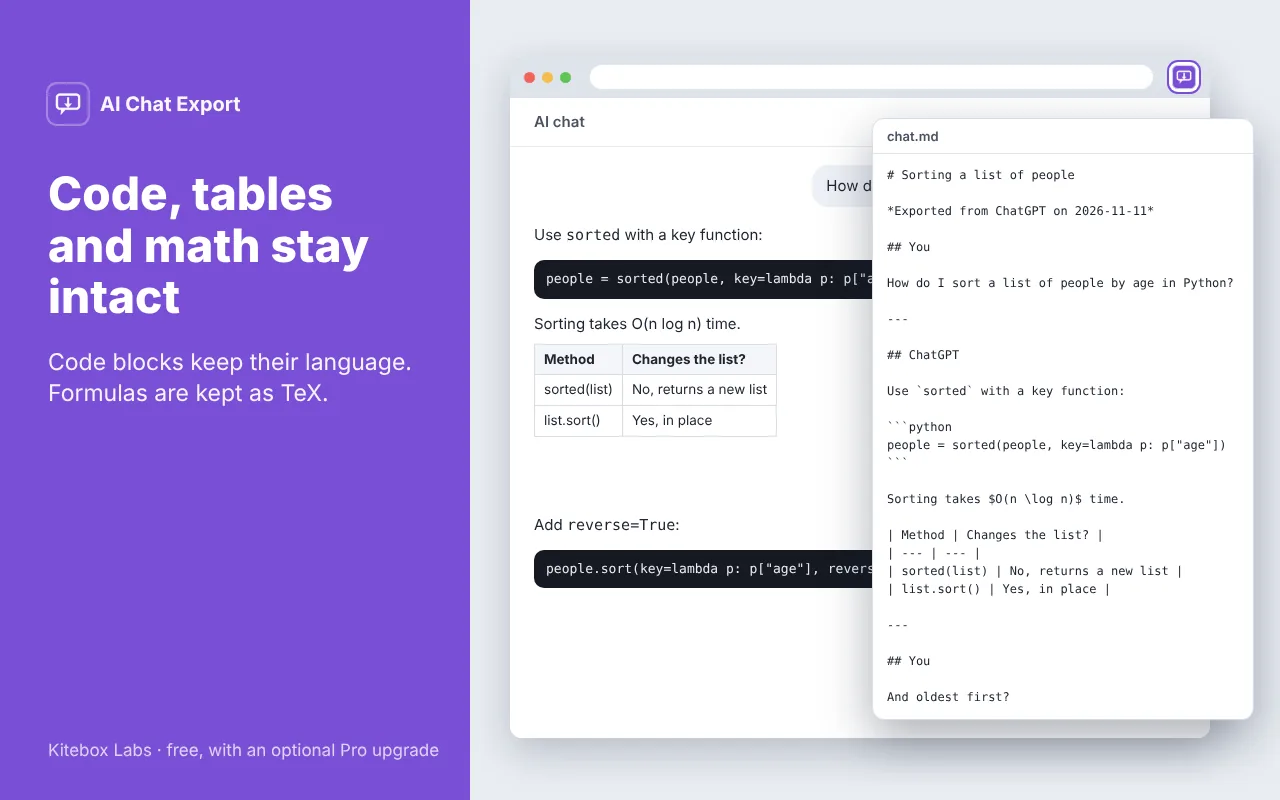
- Code blocks keep their language
- Tables stay tables, and formulas are kept as TeX
- Option to export only the assistant’s answers
Pro, a one-time US$9 (coming soon)
- Word (.docx) and PDF export
- JSON export for your own tools
- Front matter for Obsidian
Free features stay free. About Pro
Questions
- Which assistants does it work with?
- With conversations on chatgpt.com, claude.ai and gemini.google.com. Kitebox Labs is an independent developer and is not affiliated with OpenAI, Anthropic or Google.
- Part of a long conversation is missing from the export.
- The extension can only read the messages your browser has loaded. Scroll to the top of the conversation so that the earlier messages load, then export again.
- The extension says that no messages were found.
- These websites change their pages from time to time. Update the extension to the latest version; if that does not help, write to us and we will fix it.
- Are my conversations uploaded anywhere?
- No. Everything happens in your browser. Nothing is sent to us or to anyone else.